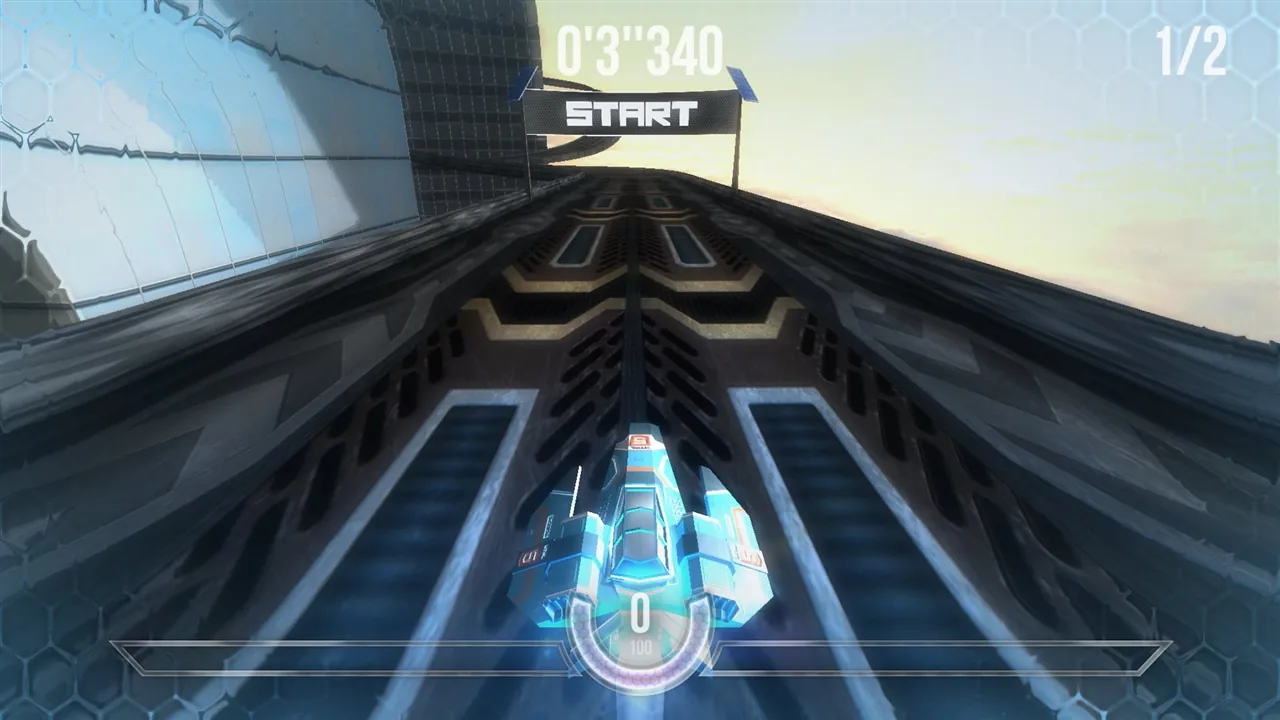
The craft races along a strip of approaching light. You turn only when the bend arrives, hit the outside wall, correct the other way, and strike the opposite side. Your fingers are busy; the route still looks like a ricochet.
Forget lap time for the first exercise. Repeating a manageable corner is more useful than scraping through it once by chance.
Confirm the control mode
HexGL has a Controls option in its start menu. Keyboard, touch, and other modes use different inputs. If your phone has no input matching the selected mode, return to the menu before blaming your reactions. Creator's project
In the keyboard logic checked for this site's release, Up accelerates, Left/Right steer, Q or A applies the left airbrake, and D or E the right. You do not need to master all of them at once. Begin by observing acceleration, releasing it, and making a small steering input.
These keys describe that keyboard mode. A phone needs practice with its actual selected controls.
Choose your position before the corner
Look at three places: where you are, the tightest part of the bend, and where you want to leave it.
Watching only the patch directly ahead of the craft often makes corrections late. Looking farther ahead reveals linked bends; one exit may already be the next entrance.
Do not turn “outside, inside, outside” into a universal answer. Track width, the next bend, and speed change the choice. Leave room for correction first; explore tighter lines after the route is familiar.
Give a small correction time to work
Holding one direction, spotting an error, then holding the opposite direction can create oscillation. On a wide section, try short inputs: steer, observe the change, then decide whether to add more.
There is no press duration valid for every phone and frame rate. Learn the relationship between your current input and its result rather than counting milliseconds from a guide.
Higher speed leaves less correction space. The checked keyboard logic slows the craft when acceleration is released; airbrakes affect speed and lateral motion. Test braking on a relatively straight, wide section before introducing it into a tight corner.
Do not rush to accelerate after impact
A collision can disrupt your direction as well as your speed. Accelerating before recovering your line may simply deliver you to the next collision faster.
Regain a direction that follows the track, then restore pace. Restart with a question: Did steering begin late? Was it excessive? Was entry speed unsuitable? Did concentrating on this corner hide the next section?
These are more actionable than calling yourself bad at games. You can move the point at which you begin turning; a general insult gives you little to practice.
Reuse the same stretch of track
Choose a troublesome bend. First note where you begin steering. Next change only speed. Then inspect whether the exit requires a large immediate correction. Keep one variable changing at a time where possible.
Changing mode, route, and speed together makes even an improved result difficult to explain. Compare times after you can describe several passes consistently.
If frames stutter, inspect browser and device load and try the menu's quality settings. Stuttering makes input and response harder to observe. Blaming yourself repeatedly does not identify that technical problem.
Return to the clock later
Once the corner no longer depends on emergency recovery, timing becomes more comparable. Record collisions, departures from the line, and exit stability alongside total time. One unusually fast attempt may include luck; repeatable completion provides a reference.
This guide checked site control code and the creator's project description. The route advice is a practice design, not a lap-time experiment or certification across phones. Follow the current HUD for the particular track and finish conditions.
Approaching that bend again, lift your gaze a little. Find the exit before deciding which way to turn.